Download HMind
- Not publicly available
- macOS · iPhone & iPad · Android · Windows
Draw your first map without an account. Every map is a .hmind file you own.
Only verified public downloads are enabledPrivacy PolicyHelp
Download by platform
iPhone & iPad
Preparing
Preparing for public release on the App Store
App StoreWindows
Coming later
Not yet available
DesktopAndroid
Preparing
Phones & tablets
Google PlayInstall steps
Installed in three steps.
After downloading, follow these steps to start your first map.
Visit the FAQ- 01
Open the installer
After the download finishes, double-click the .dmg file.
- 02
Drag to Applications
Drag the HMind icon into the Applications folder.
- 03
Start your first map
Confirm the first-launch prompt from macOS. No sign-up needed.
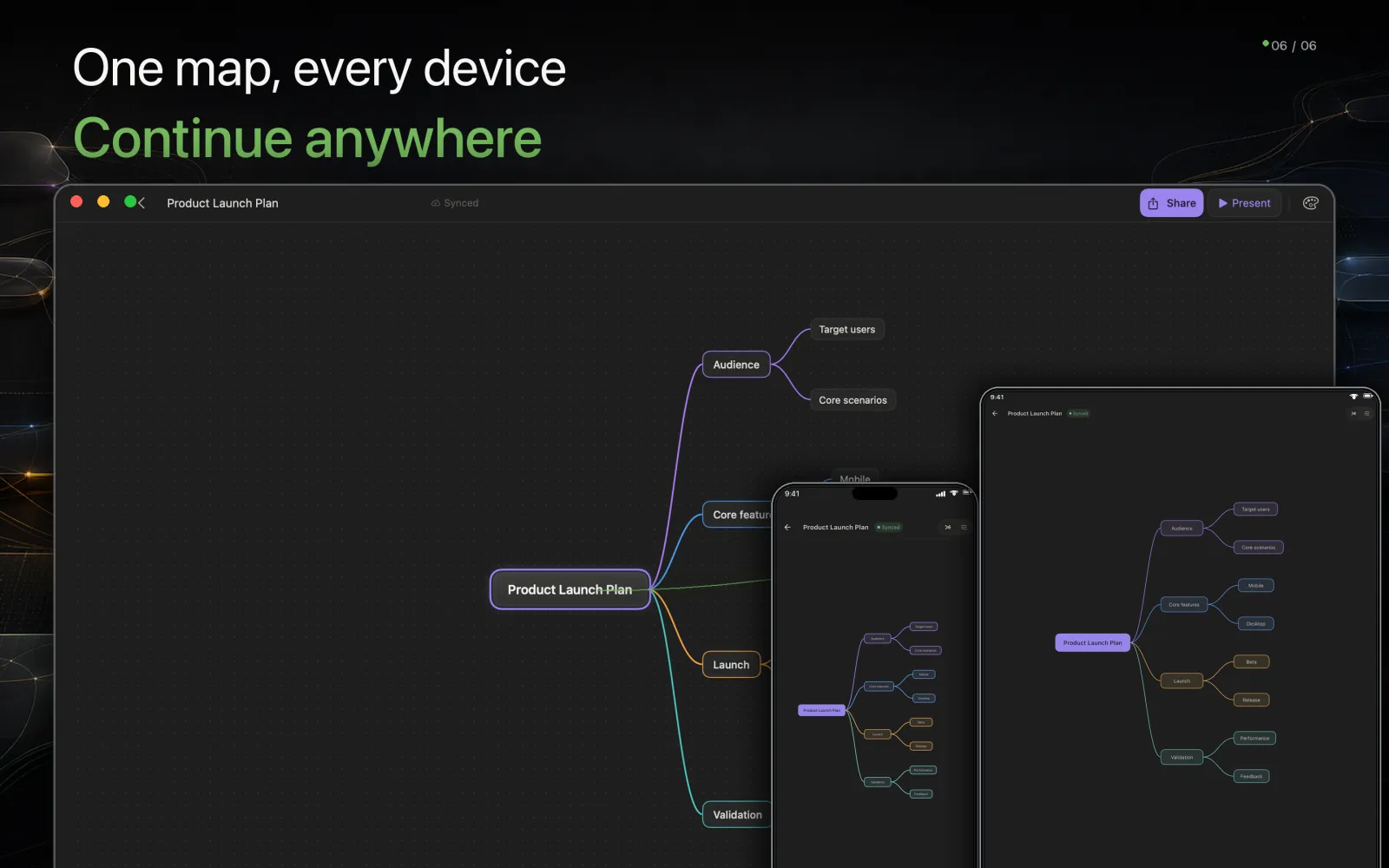
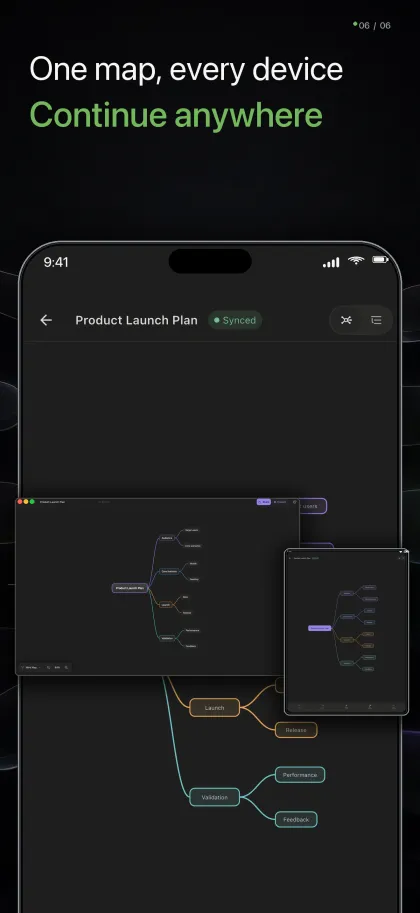
Across devices
The same thinking space, adapted to each screen.
The Mac editor keeps the full canvas and inspector visible. Phone and tablet controls move into touch-friendly sheets without changing the map underneath.
Official distribution
Installers ship from the official HMind source.
In-app updates
When a new version ships, HMind offers the update inside the app.
Built per chip
Apple silicon, Intel, and Universal builds — pick another if the first is wrong.
Trouble installing?