Write ideas down, then make them clear.

Connect, restructure, save, sync and share — all from one map.

Inside HMind

See the real product at work.

Every view below comes from the current HMind apps—not a reconstructed website mockup.

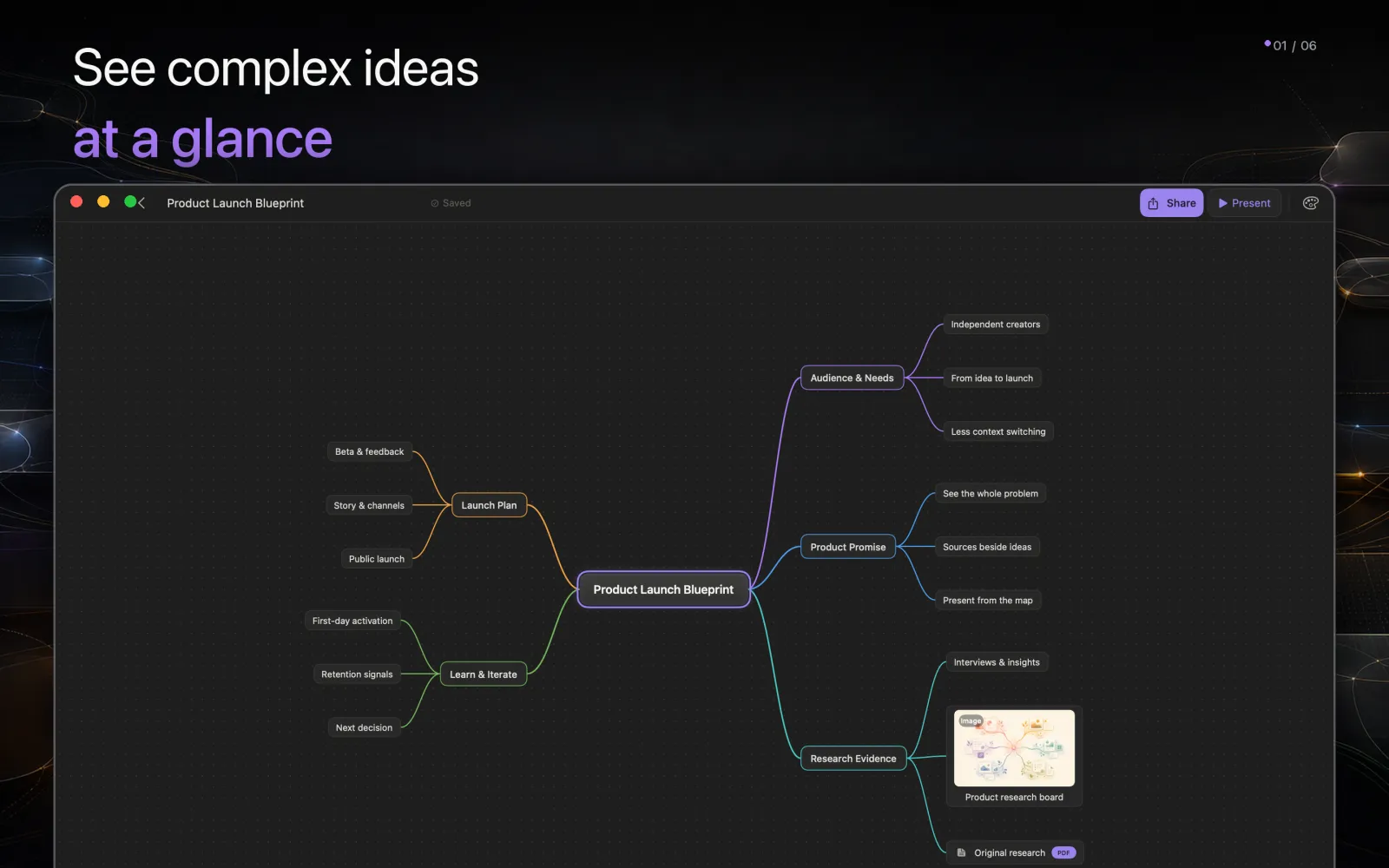
See the whole problem

Turn complexity into a map you can scan.

Start from one question and keep branching without losing the whole. Fold finished paths, move subtrees and zoom from detail back to context.

  • Unlimited local maps
  • Fold, move and reorder branches
  • Map and outline views
Current HMind macOS editor displaying a complete product launch mind map

Keep the context

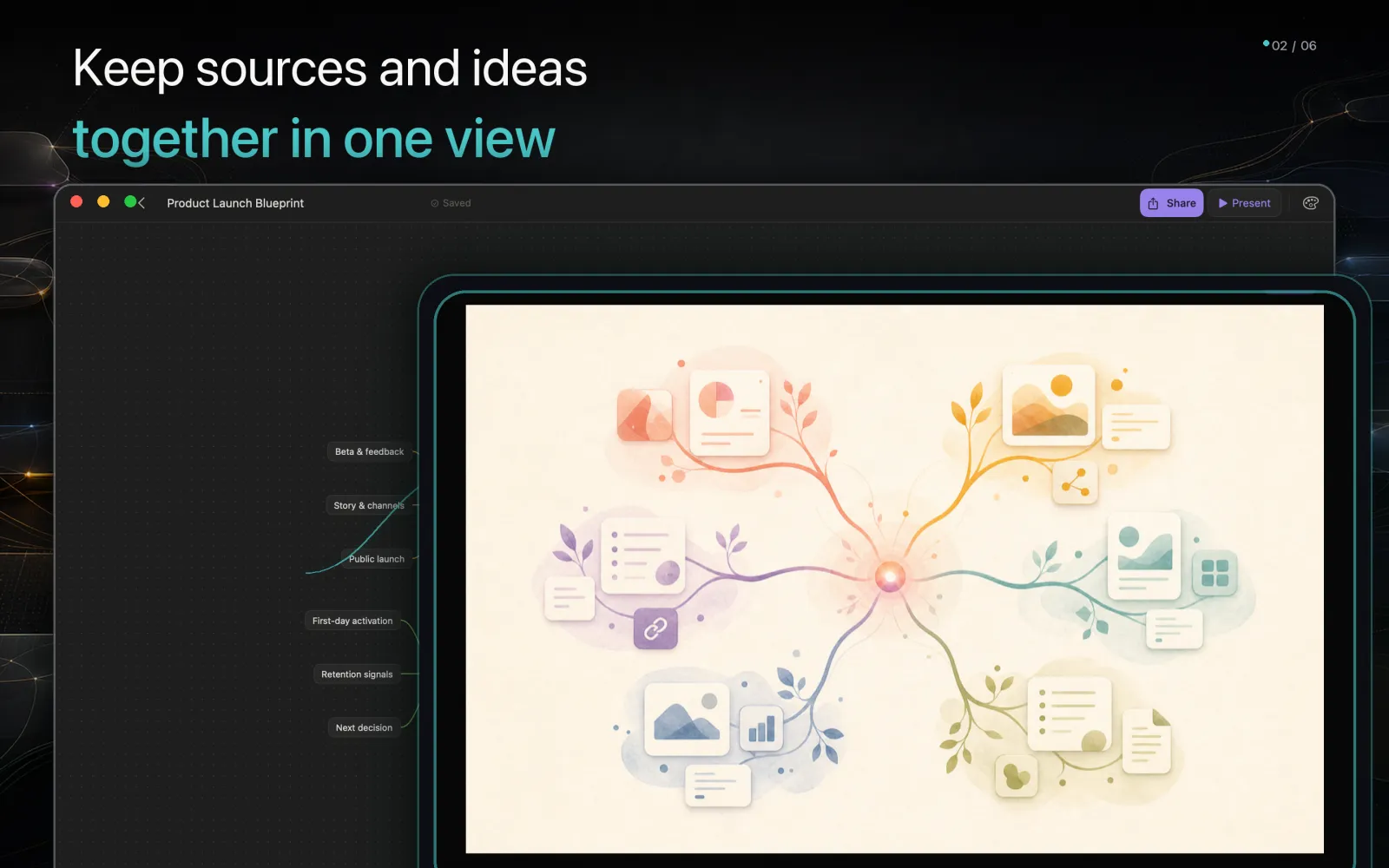
Put sources beside the idea they support.

A node can carry more than a label. Add images, URLs and files, then open common documents and text formats without leaving the thought behind.

  • Images, links and attachments
  • In-app previews on mobile
  • Attachments copied into managed storage
Current HMind macOS editor previewing an image attachment above its source map

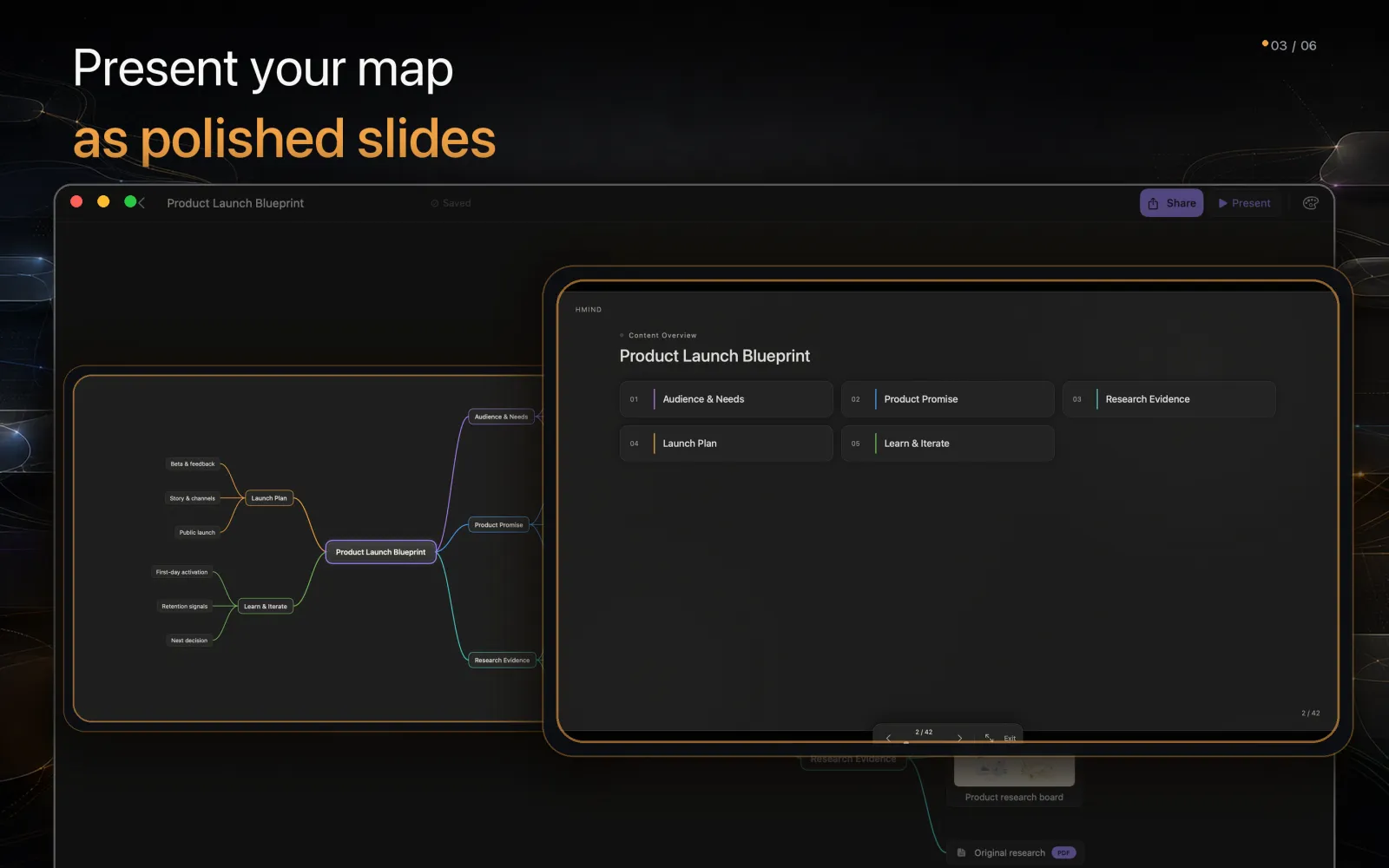
Present from the map · Pro

Move from structure to polished slides.

HMind derives a presentation deck from the map hierarchy, with cover, agenda and topic slides. Present in the app or export a self-contained HTML deck.

  • Deterministic slide sequence
  • Offline HTML presentation export
  • PDF, Markdown and print with Pro
Current HMind macOS presentation mode generated from a product launch mind map

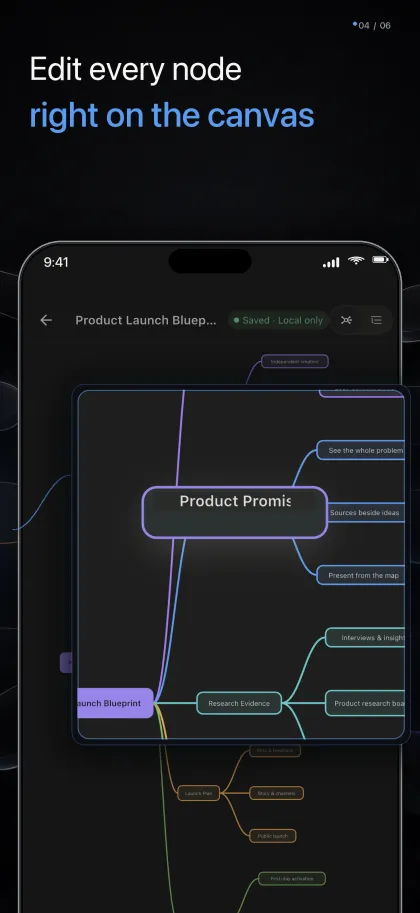
Edit in place

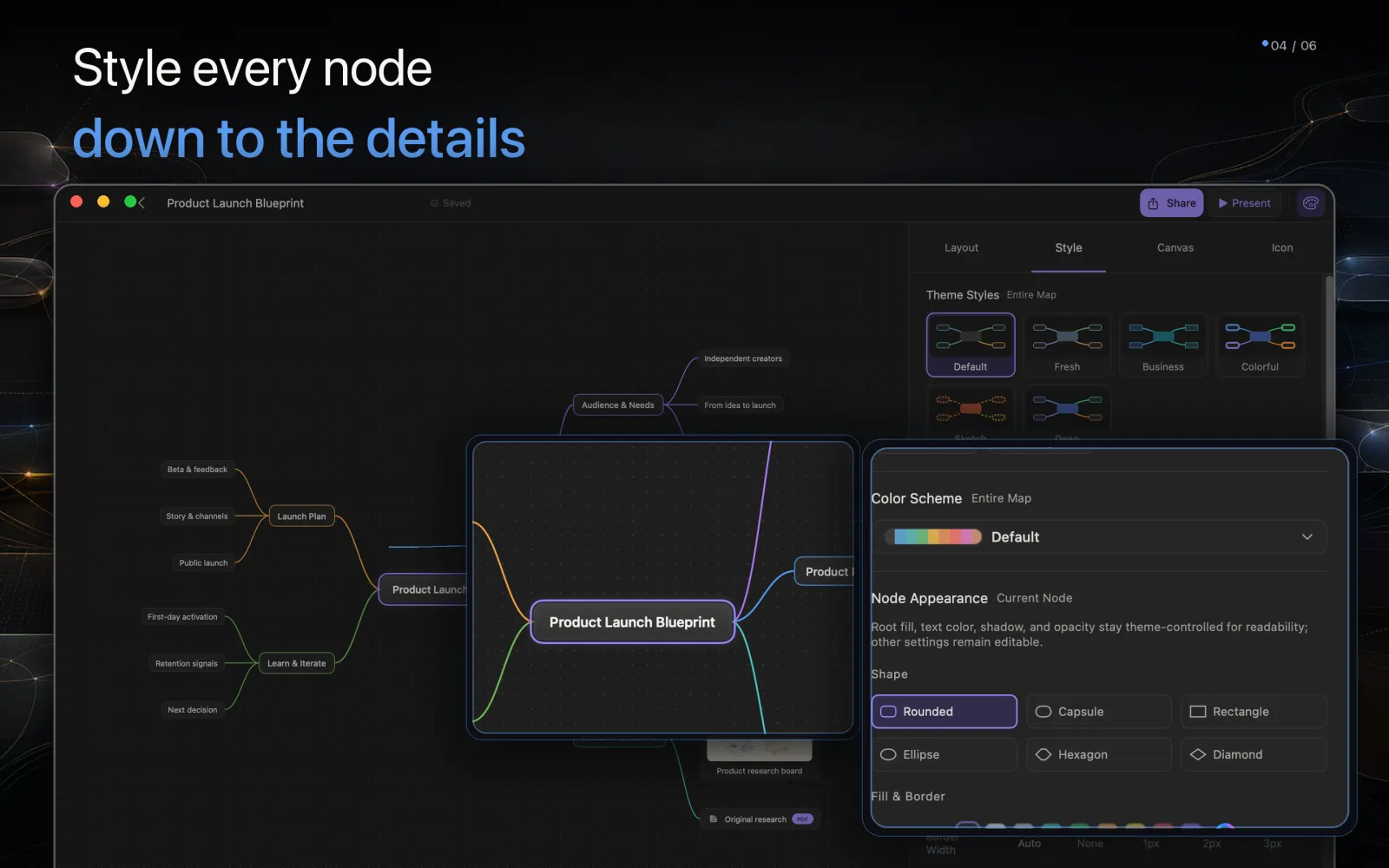
Shape the map down to each node.

Edit directly on the canvas, then tune node shape, typography, branch color, relationships, canvas texture and watermark from a focused inspector.

  • Themes, colors, shapes and icons
  • Summaries and relationship lines
  • Undo, redo and keyboard navigation
Current HMind macOS style inspector editing node appearance and colors

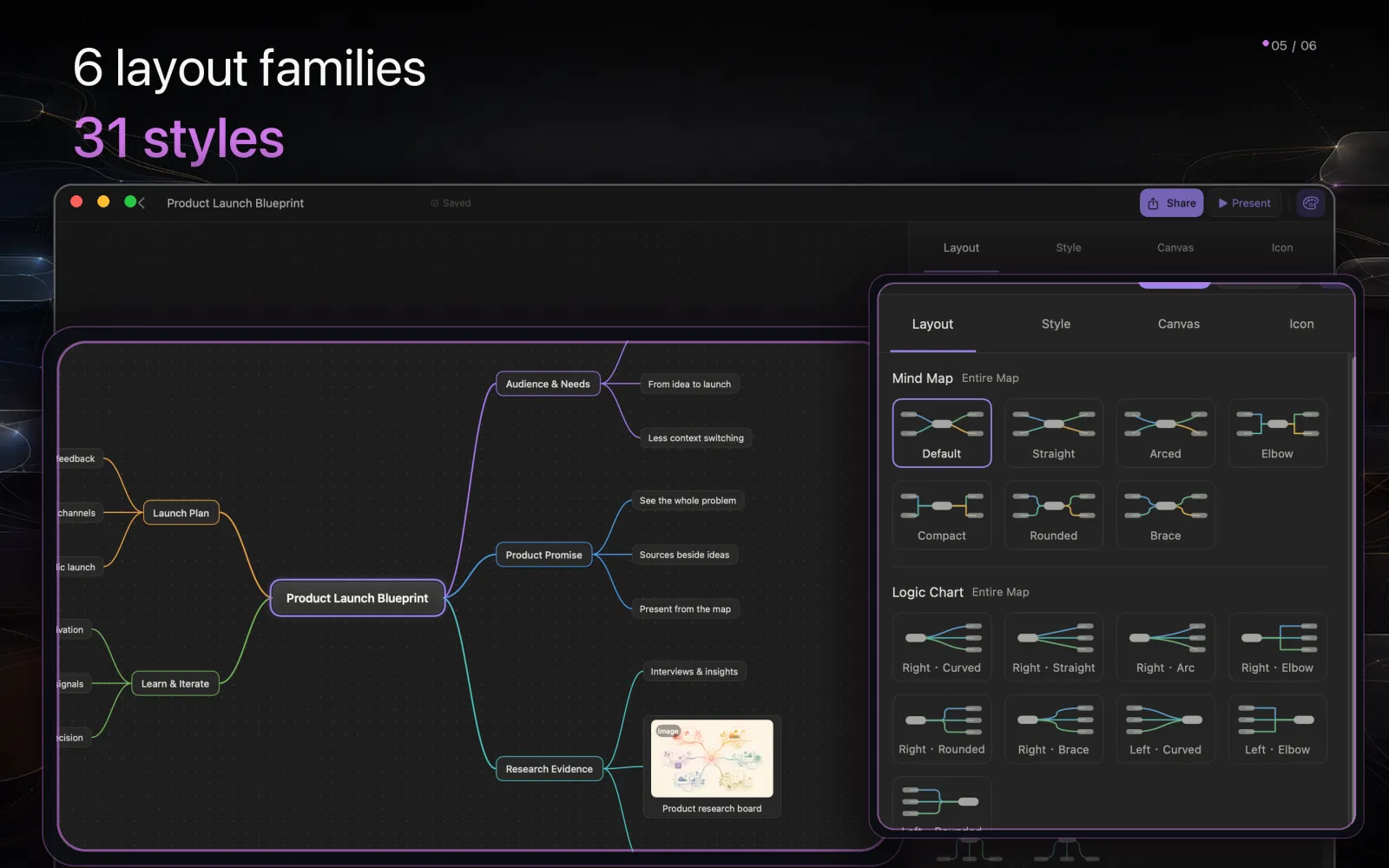
Six structures · 31 presets

Change the shape without rebuilding the content.

Switch between mind maps, logic charts, org charts, directories, fishbones and timelines. The same nodes reflow into the structure that fits the question.

  • All layouts are Free
  • Left, right, balanced and vertical directions
  • Layout and connection style stay independent
Current HMind macOS layout inspector showing the real layout preset gallery

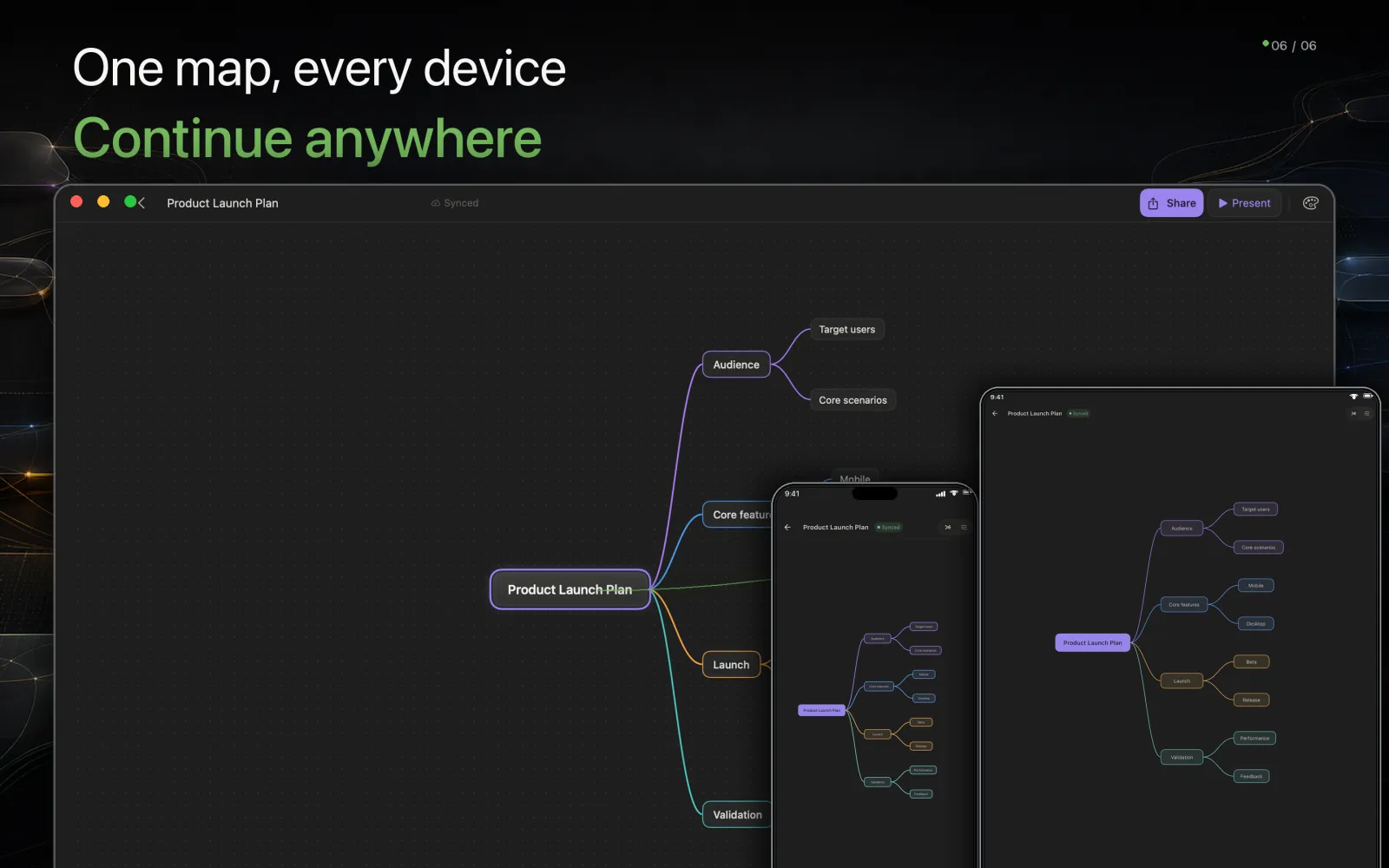
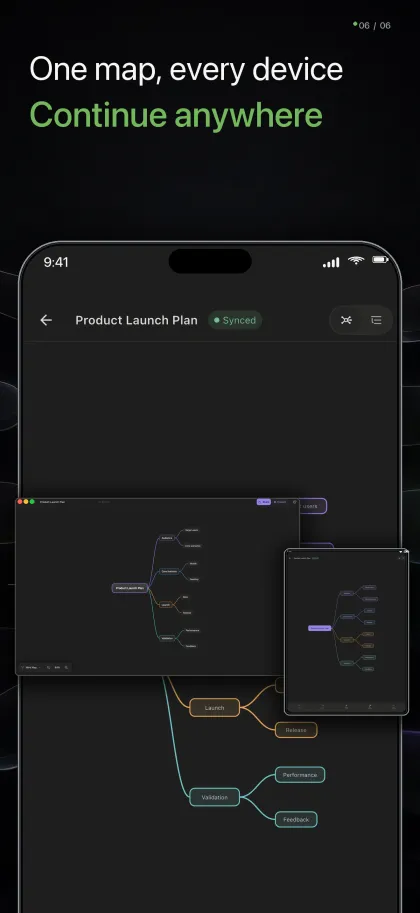
Optional sync

Continue the same map across your devices.

Work locally without an account. Sign in only when you want a cloud copy and cross-device continuity between Mac, iPhone, iPad and Android.

  • Local editing remains available offline
  • Free accounts can sync
  • Pro belongs to the signed-in HMind account
Current HMind macOS editor shown together with the same map on iPhone and iPad
Structures

Six ways to shape a thought.

Switch structure and the same nodes rearrange themselves. Each shape answers a different question.

Mind map

Branch out from one centre. Best for opening up a topic.

Logic chart

Flow left to right. Best for reasoning and cause to effect.

Org chart

Top-down hierarchy. Best for teams, systems and taxonomies.

Timeline

Order events along an axis. Best for plans and history.

Fishbone

Trace contributing factors. Best for root-cause analysis.

Directory

Nest items like folders. Best for outlines and indexes.

One map for study, writing and planning.